
A Yard Sign on Every Job You’ve Ever Done
TruMap puts your finished projects on an interactive map on your website, so homeowners see the work you’ve done on their street.

Homeowners Trust Their Neighbors More Than Your Ads
A yard sign works because neighbors see real work, on a real house, down the street. Then it comes down after a week.
TruMap keeps every job on display. Your completed projects show up as pins across your service area, each with the job type, a short description, the date and photos. Visitors filter to the project they’re planning and see exactly where you’ve already done it.
72% of homeowners will pay more for a better reputation, and they trust word of mouth four times more than third-party platforms (Leaf Home, 2025). TruMap turns your job history into that word of mouth.
Why Contractors Choose TruMap
Built for trust, not just traffic.
Most project maps are built around check-ins and SEO. TruMap is built around the question every homeowner asks: have you done this job, near me?
Proof on Every Pin
Job type, description, date and photos on every project, filterable by the work a visitor needs.
A Next Step on Every Pin
Each pin can carry your call to action, linked to your existing contact form or quote page.
Privacy Built In
Pins show city, state and ZIP only, and a zoom limit keeps every customer’s house anonymous.
No New App to Learn
Upload a spreadsheet or migrate from another map provider for free. We handle the geocoding.
What Homeowners See
Real projects, near them, done by you.
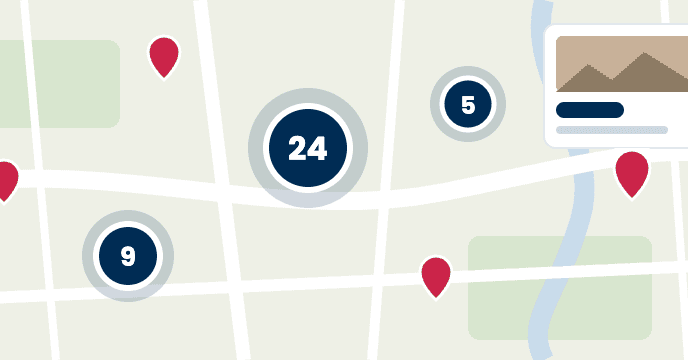
Every Job, Pinned
Clustered so busy areas stay clean
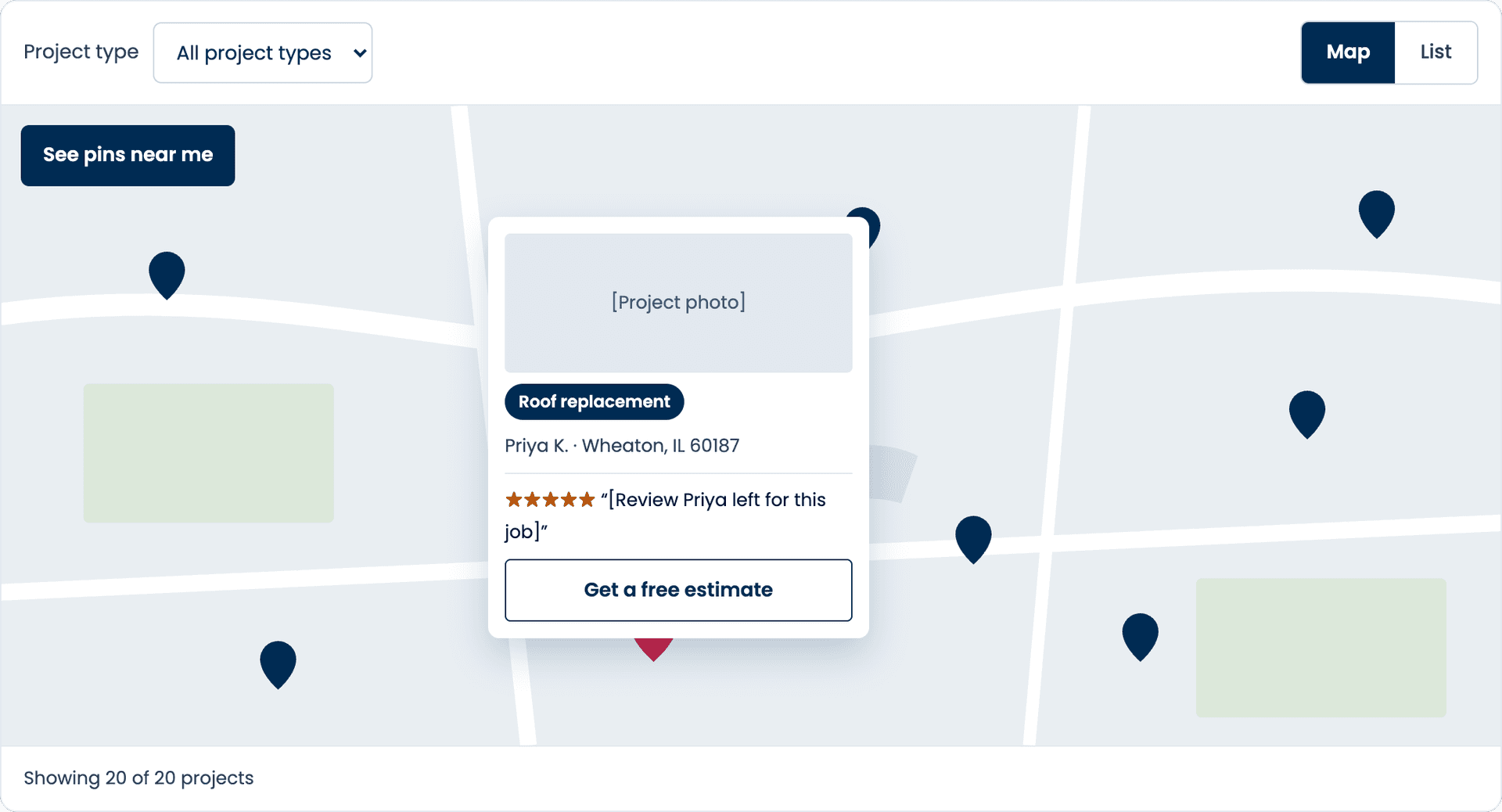
Completed jobs appear as pins, grouped into clusters where you’ve done a lot of work. Click any pin to see photos and project details.
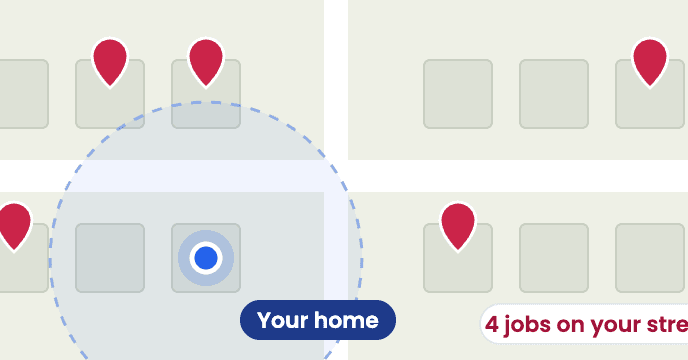
Proof Near Them
Work on their own street
The map opens on the visitor’s area, so homeowners see the jobs you’ve finished near them first, along with the reviews those neighbors left.
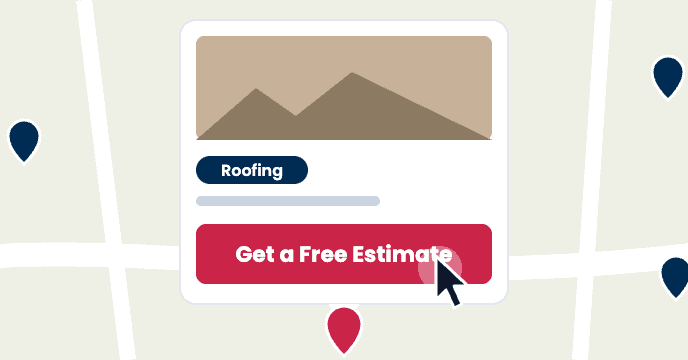
A CTA on Every Project
One click from interest to lead
Every project carries your call to action, linked to your contact form, quote page or any URL you choose.
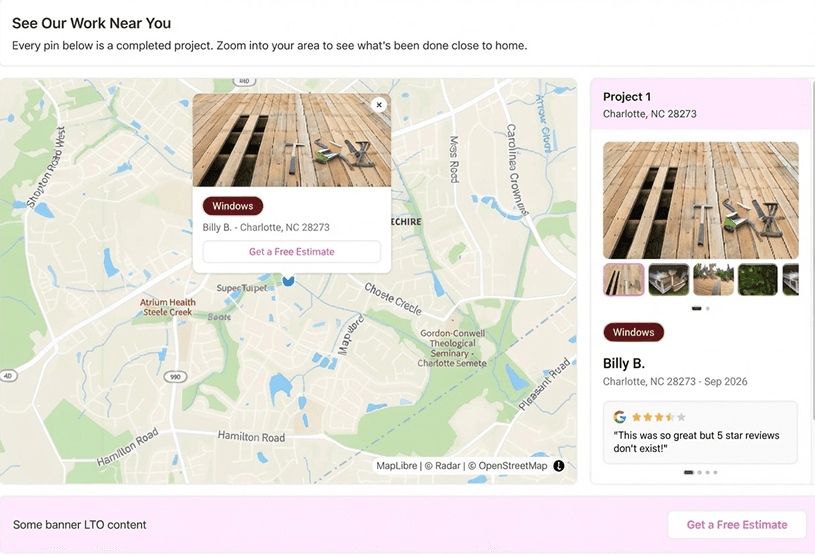
Read What Your Neighbors Said, Right Where the Work Happened
A star rating on a review site tells homeowners you’re good somewhere. TruMap shows them who you’ve helped down the street.
Click a pin and you see the project photos, the date and the review that customer wrote about that exact job, labeled with its source. Homeowners aren’t reading generic praise. They’re reading what the family a few blocks over said about the work on their home.
Members attach the reviews they’ve already earned, so there’s nothing new to collect.
Try It Yourself
Put Your Map to Work
One map, every place you sell.
Your map lives on your website, so your whole team can pull it up anywhere they talk to homeowners.
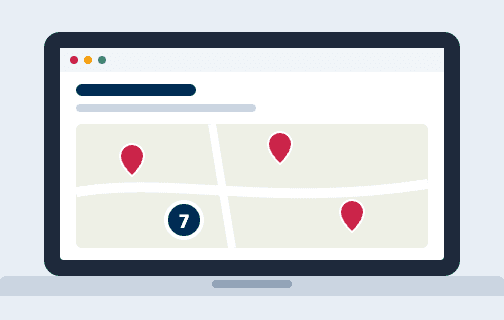
On Your Website
Proof where buyers decide
Add it to your homepage, service pages or an Our Work page so visitors see nearby projects before they reach out.

In the Living Room
Show, don’t just tell
Sales reps can open the map on a tablet during an appointment and show homeowners jobs on their own street.
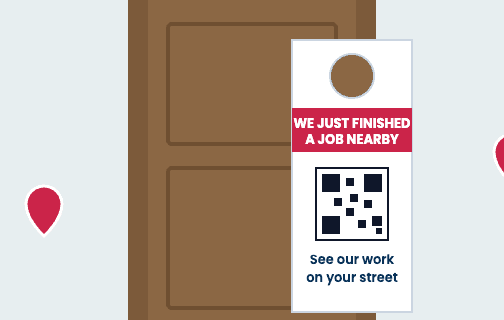
Around the Job Site
Turn one job into five
Finished a roof? Leave door hangers nearby with a QR code to your map so neighbors see the work up close and online.
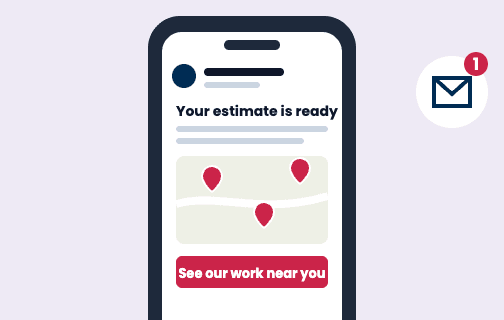
In Your Follow-Ups
Keep the conversation going
Link the map in quote follow-up emails so undecided homeowners see how many neighbors already said yes.
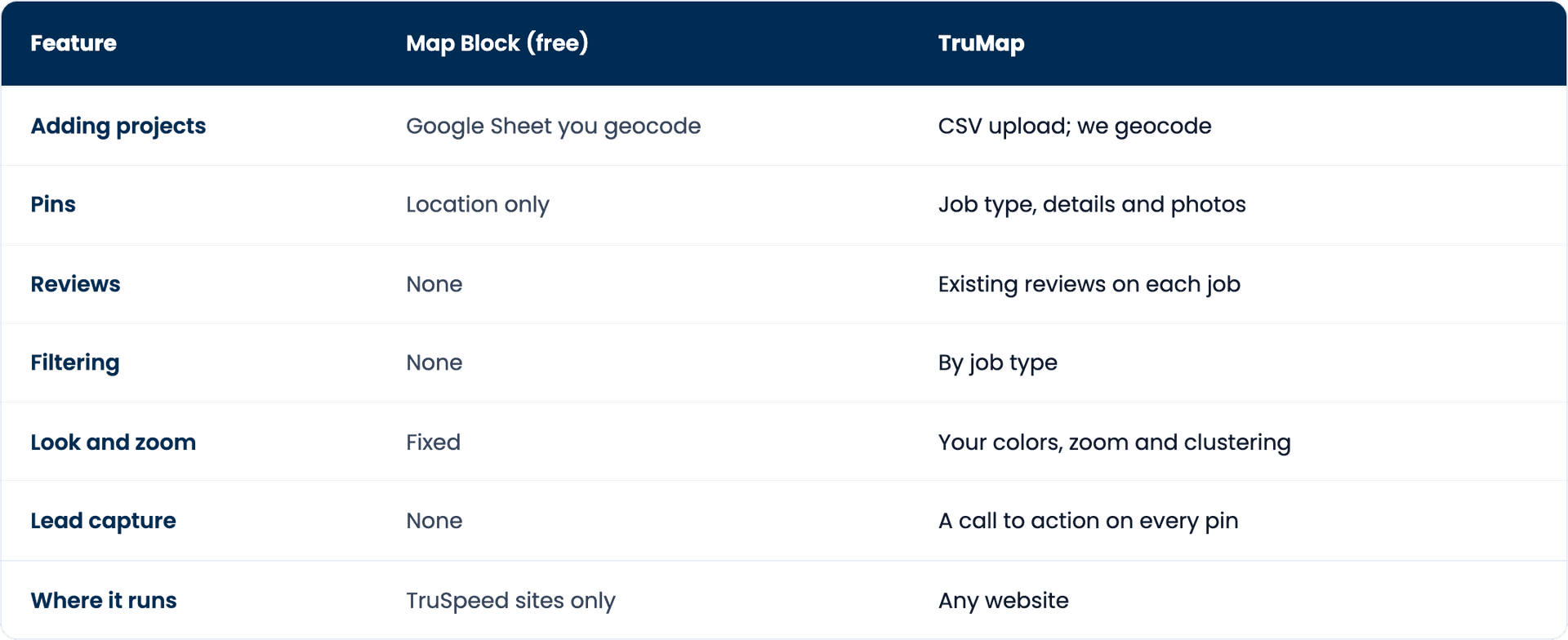
Map Block vs. TruMap
Already showing a map on your TruSpeed site? Here’s how the free Map Block compares with TruMap.
How It Works
Four Simple Steps
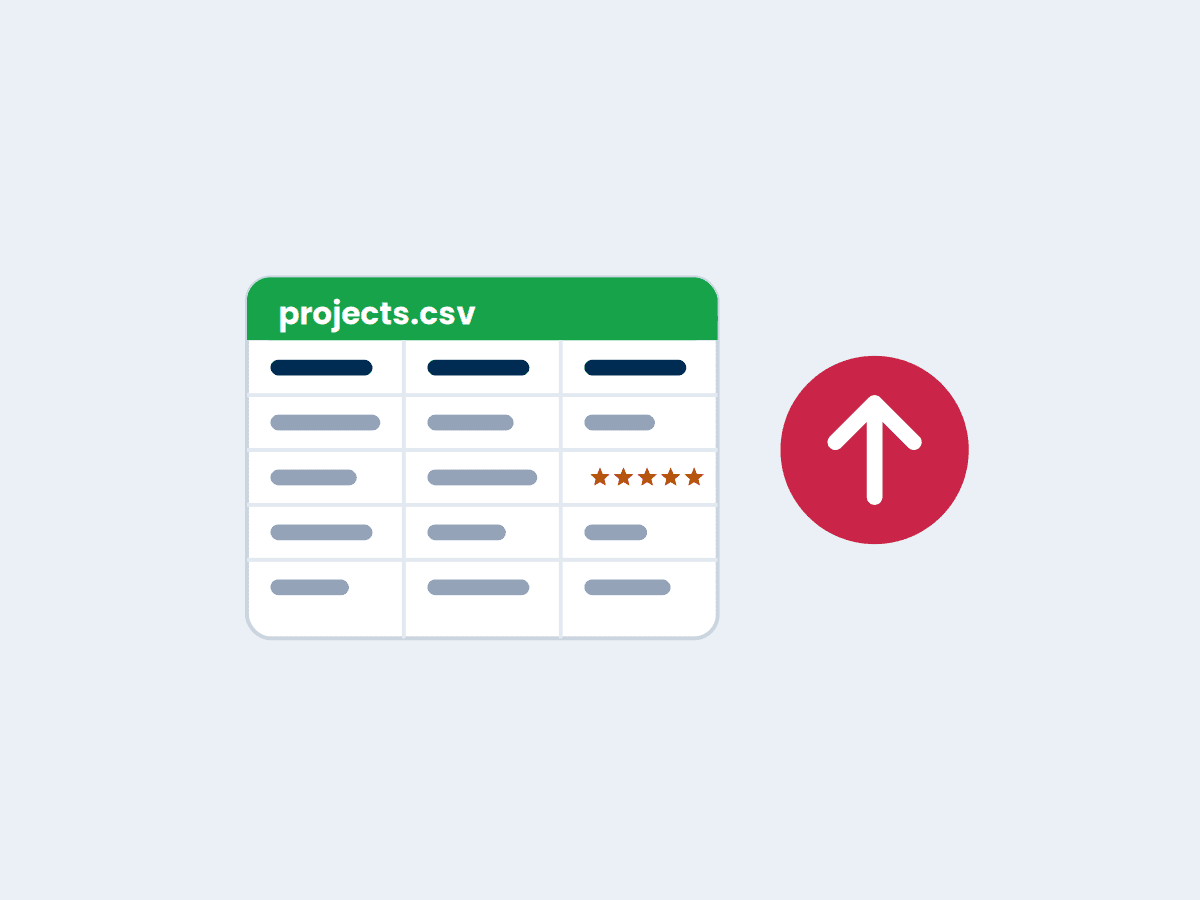
Upload a CSV of project data, reviews and more, or bring it straight over from Project Map It.
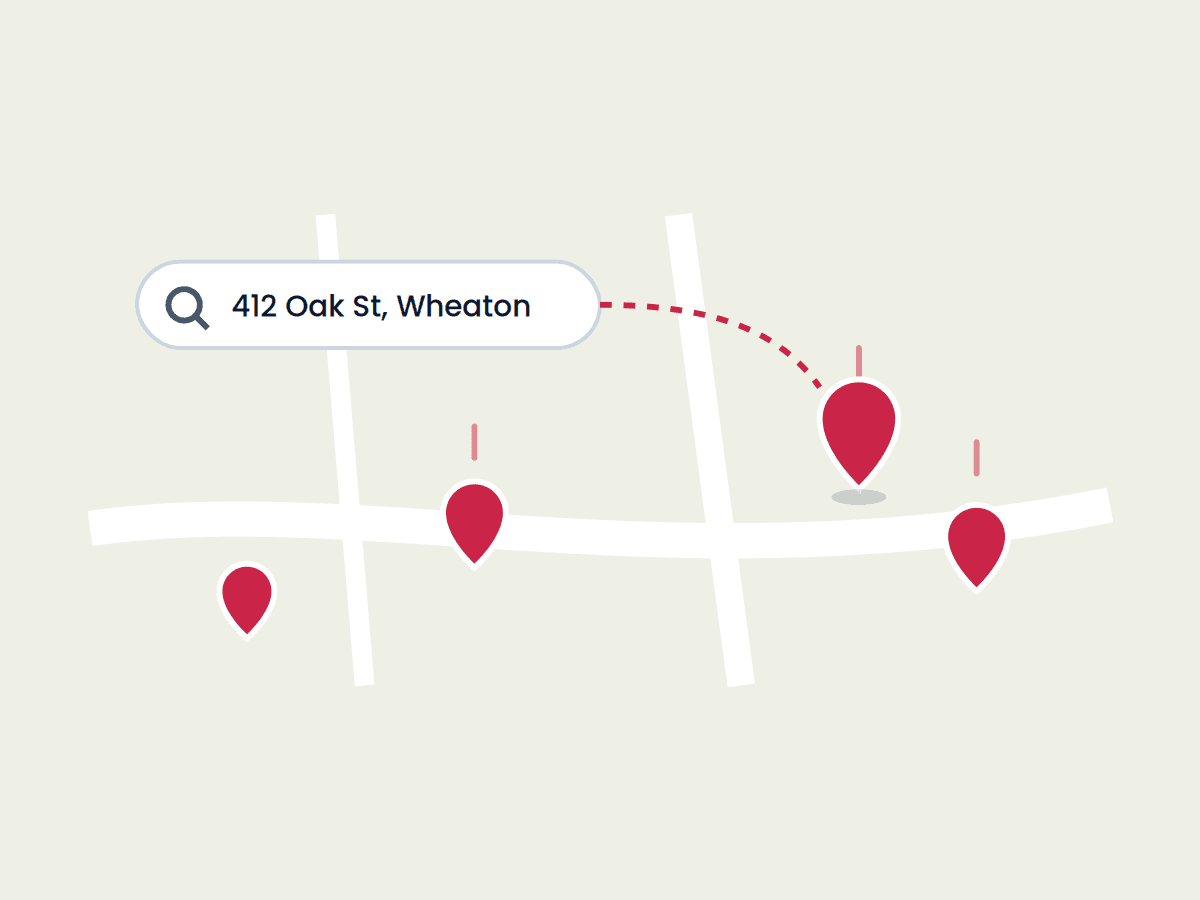
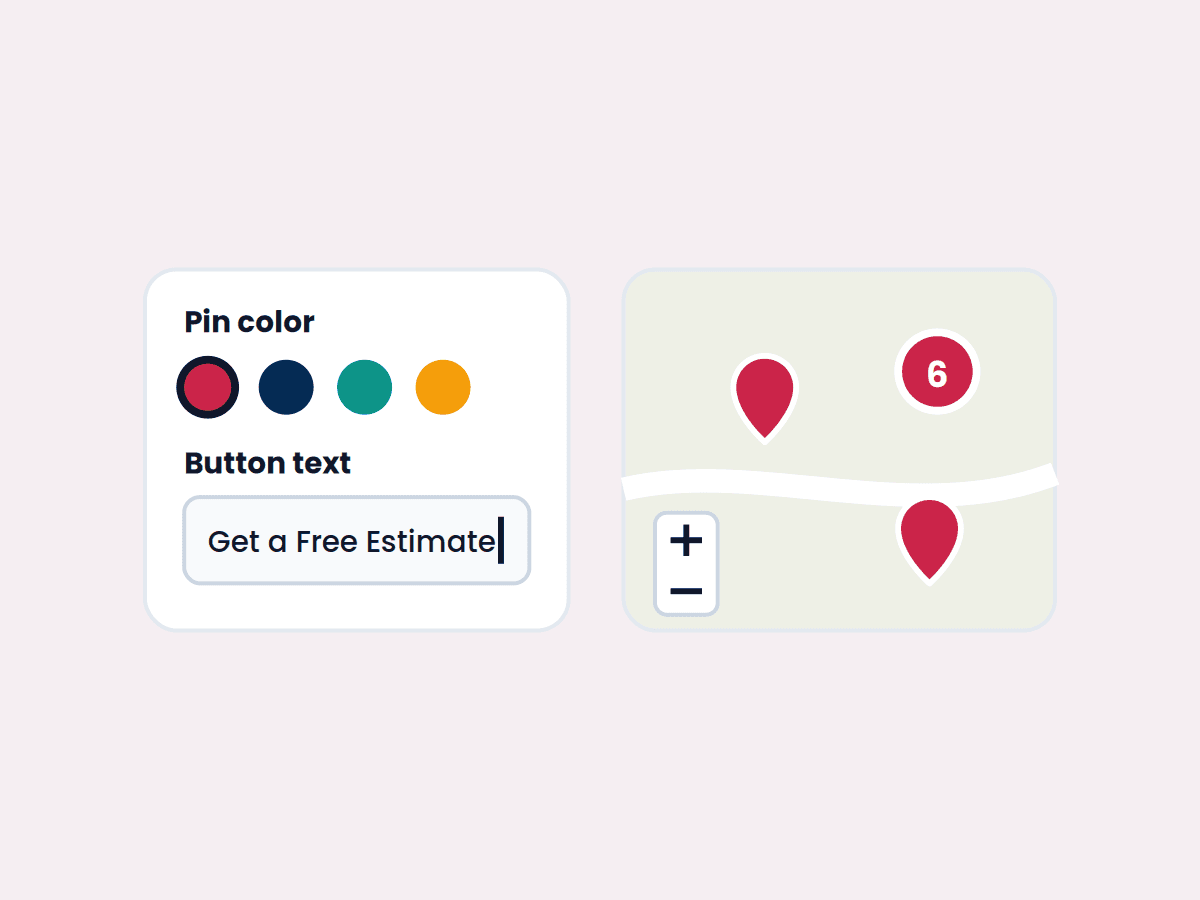
Choose pin colors, default zoom, clustering and the call to action on every pin.
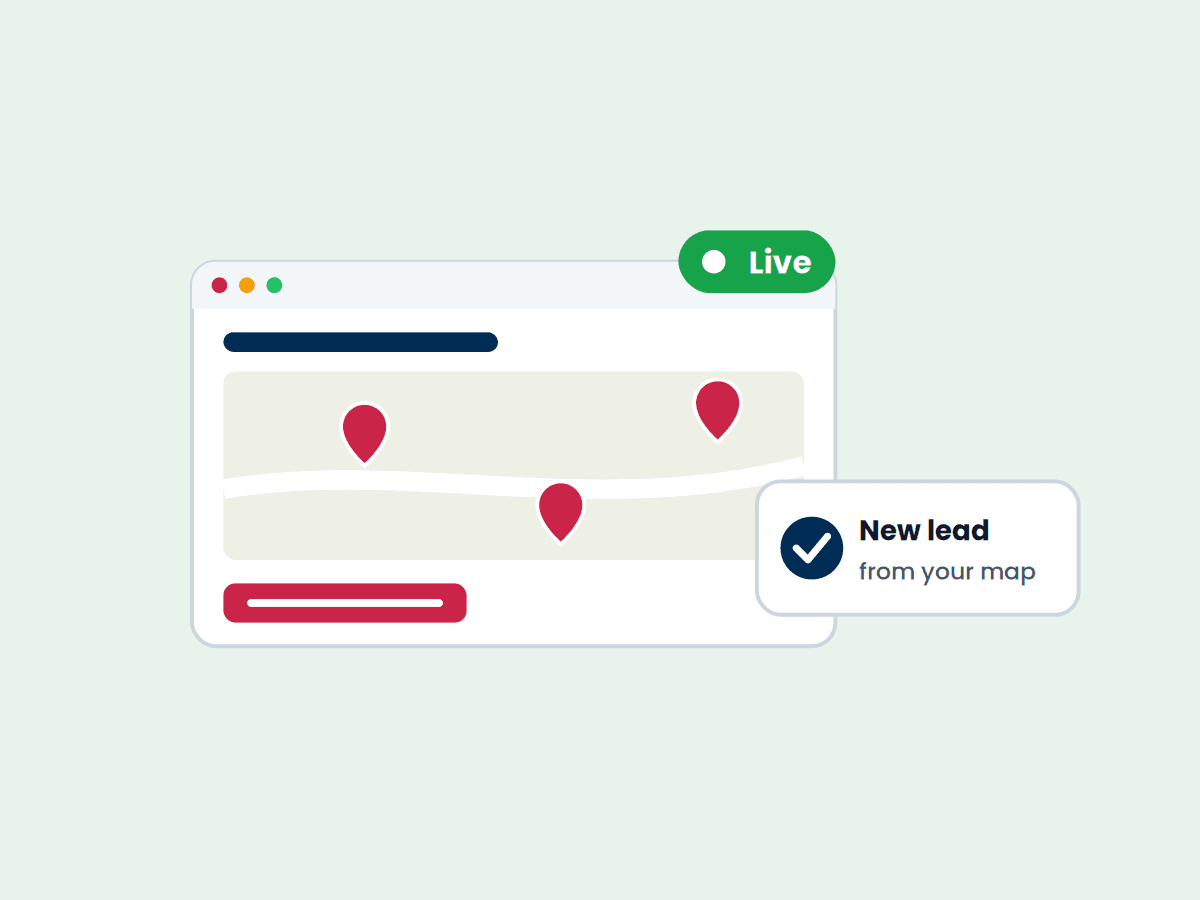
Your map goes live on your site, connected to your forms and ready for leads.
Pricing Preview
Self-Service
$149/mo. for TruSpeed members · $179/mo. standalone
Full TruMap access for about 25% less than competitors. You manage your own projects, with free CSV upload and migration. $0 setup.
Done-for-You Setup
$499 one-time
Send us your project data. We import it, clean it up and match your photos and reviews to each job, for up to 250 projects.
Managed
$249/mo., members only
For TruSpeed members. We add your new projects to the map every month on your behalf, up to 25 a month.
Bundle
$749/mo
TruSpeed + TruQuote + TruMap for $749/mo. (saves $98/mo.)