
Faster site building, less manual setup
This month brings more power, polish and flexibility across our products, with a clear theme: tools that speed up site building by cutting time spent on repetitive setup.

Spotlight Features
Quick Wins
Lead Form Updates
On this page
- Auto image alt text
- Modern footer layout
- Automatic landing pages
- Automatic lead forms
- Quick wins
- Lead form configuration
Spotlight Features
Automatically generate image alt text
What's new
TruSpeed can now generate detailed alt text for image with a single click.
Why it matters
Helps images get indexed and improves accessiblity, without writing by hand.
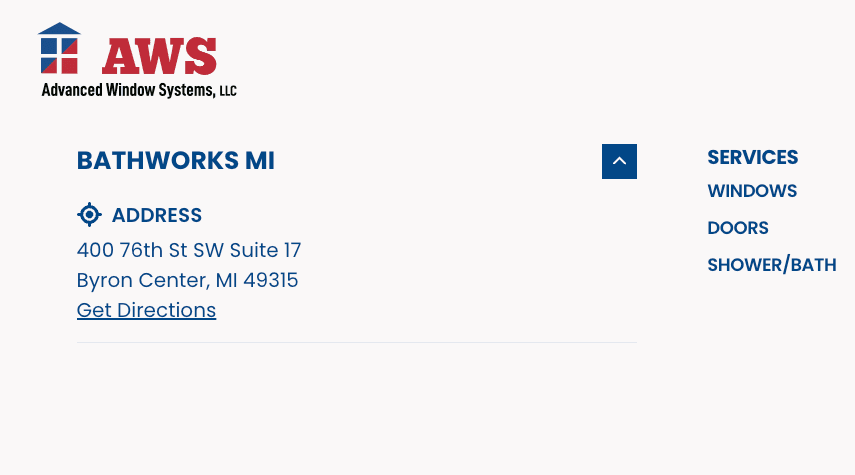
New modern footer layout
What's New
A new footer style that can show your business address right in the footer.
Why it matters
A cleaner, less cluttered footer without a contact map on every page.
Column card flexibility
Link labels are optional the whole card becomes a the link and overlays can show on hover only.
Card Gallery upgrades
Preserve image aspect ratio for logos, plus an optional intro content area.
More alignment control
Medium and High impact heroes support top, middle, and bottom text alignment.
Submit button loading spinner
Buttons show a spinner and disable while a form processes, so no double-submits.
Below-block spacing, everywhere
The Spacing Below field is now on every block.
Adjustable image overlays
Image CTA, Column CTA and Content blocks support overlay strength up to 50%.
Tabbed block icon colors
Customize the color and hue of icons in the Tabbed block.
Field name dropdown in integration rules
Pick condition fields from your form's real field names, cutting typo-driven attribution issues.
Form email upgrades
Copy every form field into your lead email in one click, with email fields validated as you build.
Want any of these on your site?
Every feature release is free to implement. Your Account Manager can set it up.